


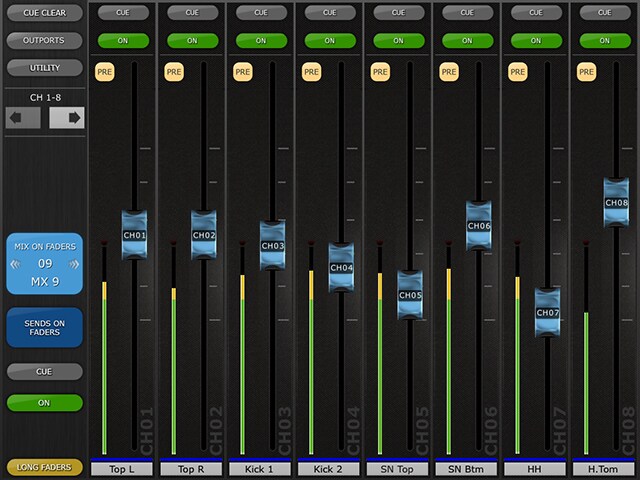
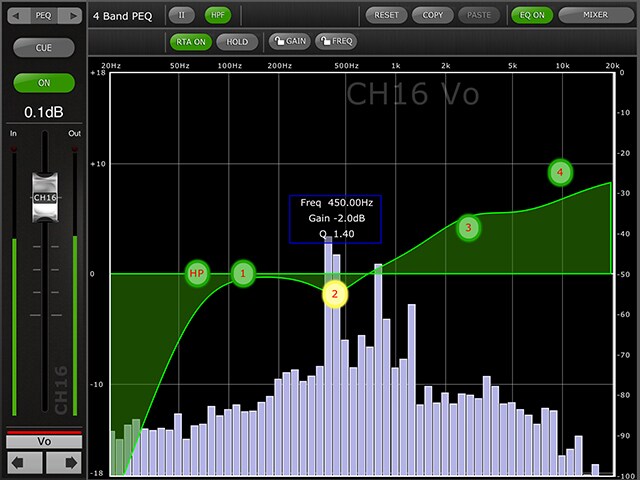
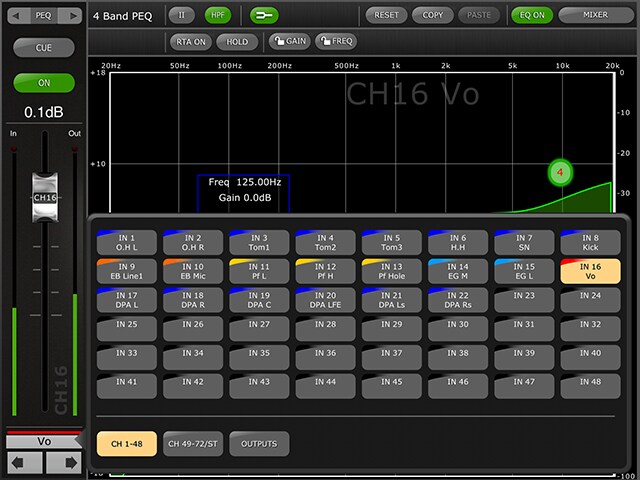
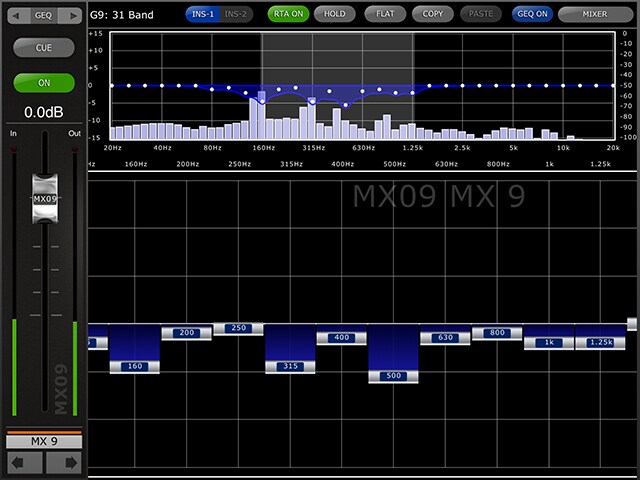
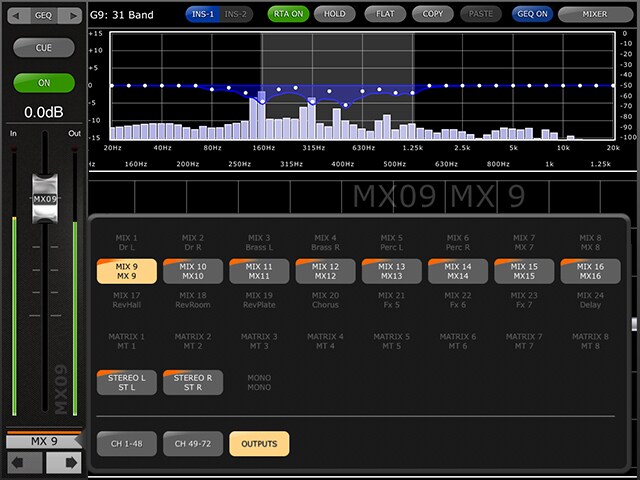
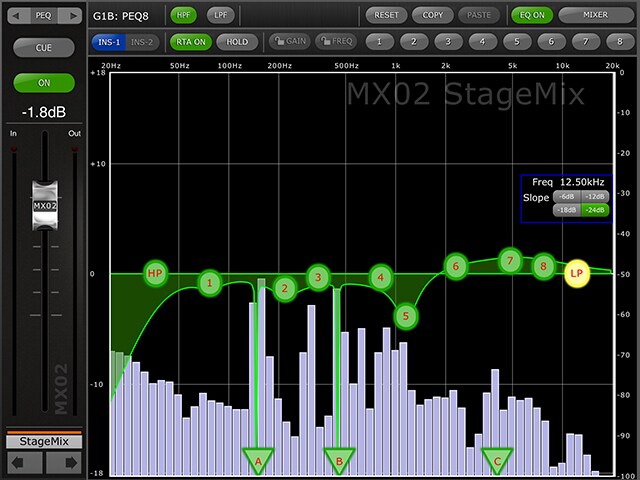

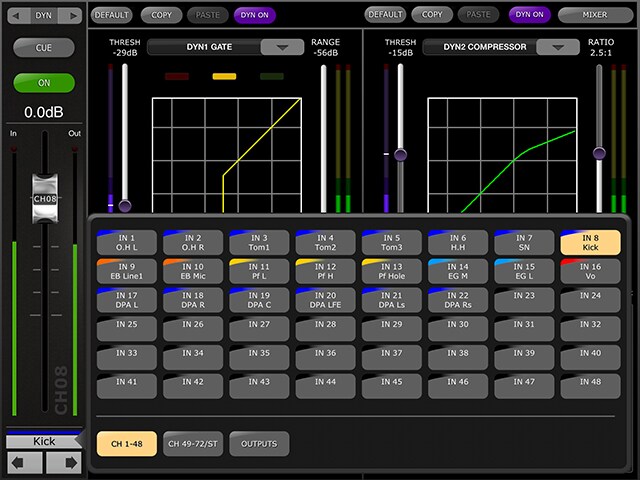
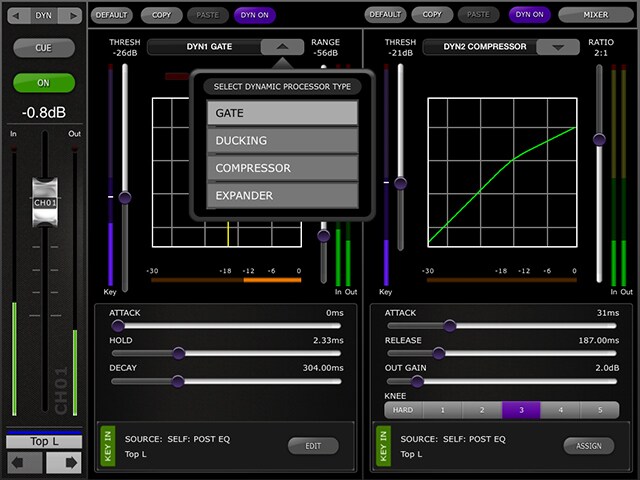
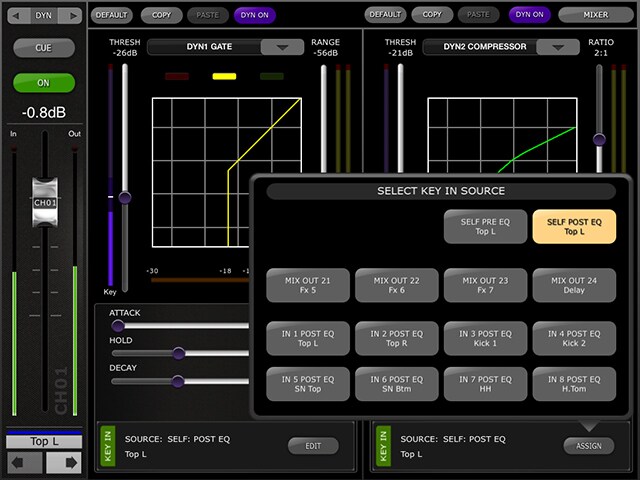
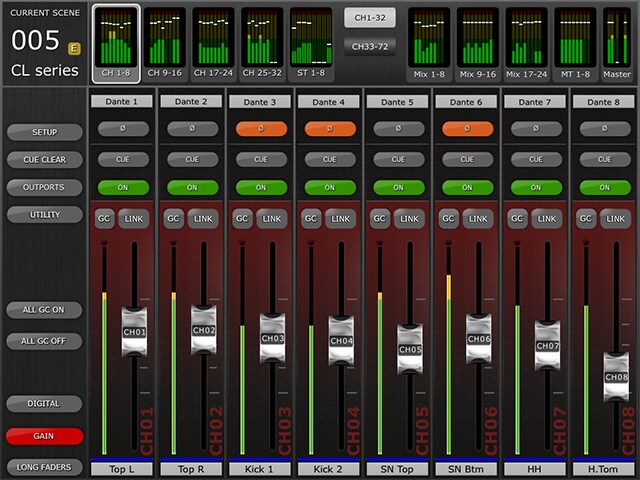
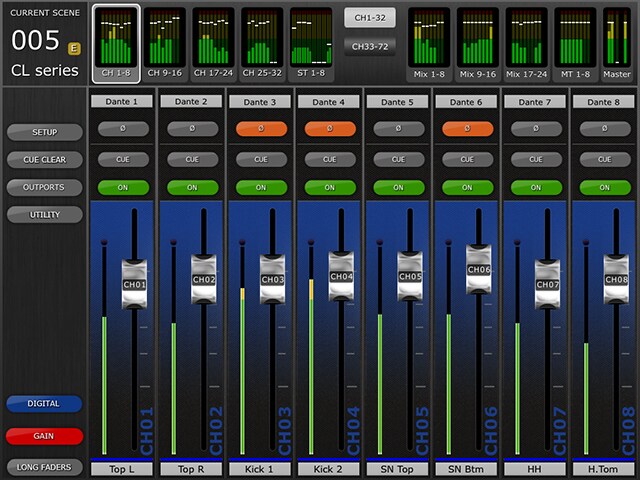
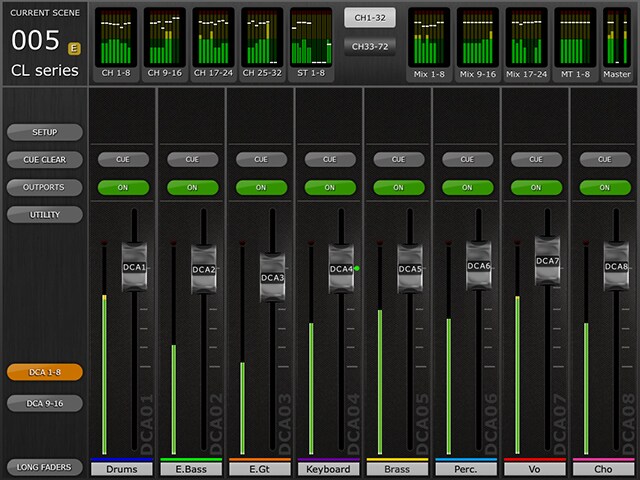

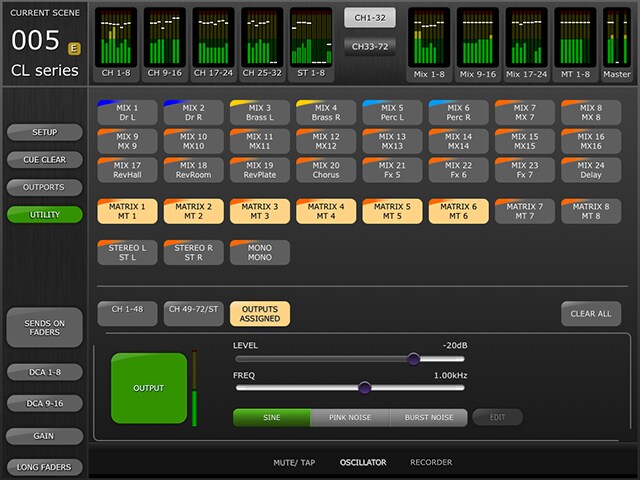
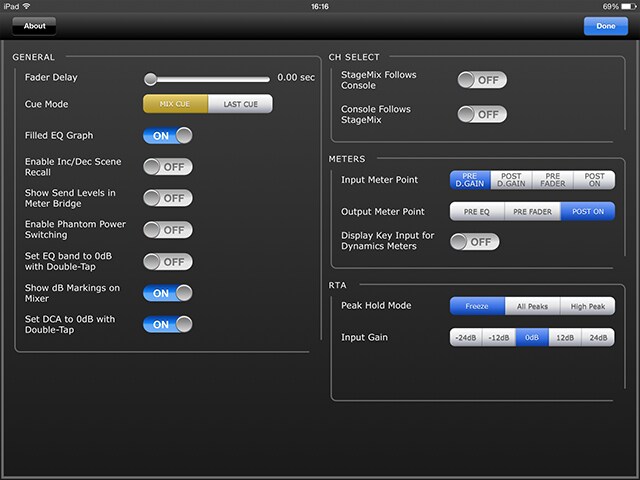
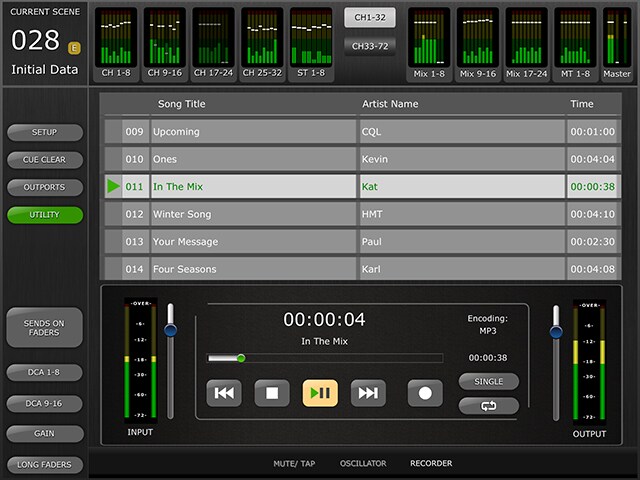
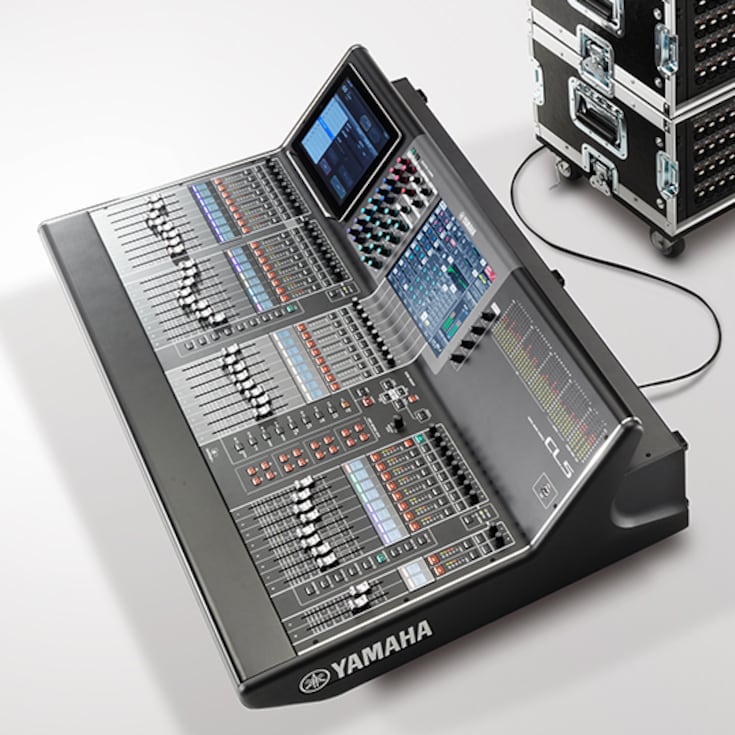
Yamaha CL series digital mixing consoles represent a new level of refinement. They offer an evolved experience in accessible mixing, plus sonic purity with sound shaping capabilities that will give the most imaginative engineer unprecedented creative freedom. The CL series embodies the leading standards in live sound in their most advanced, most expressive form.
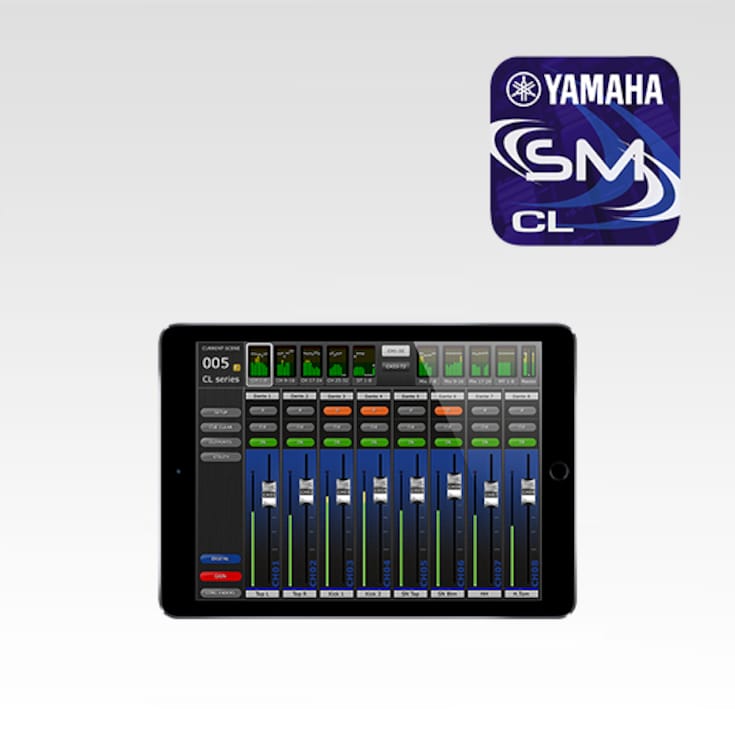
iPad application for controlling and monitoring CL Series mixing console.

CL StageMix provides remote control of CL series functions
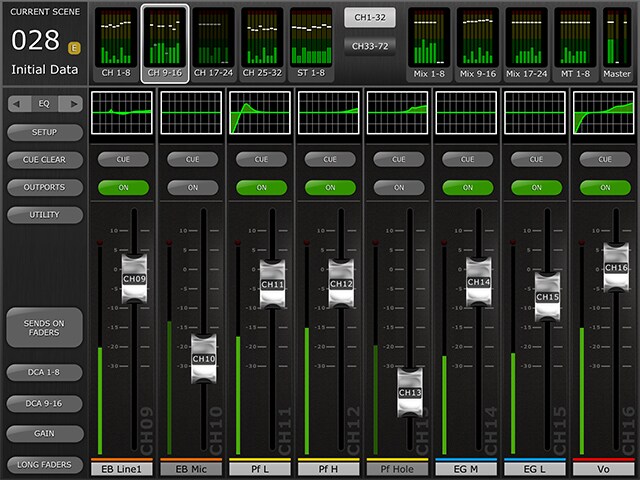
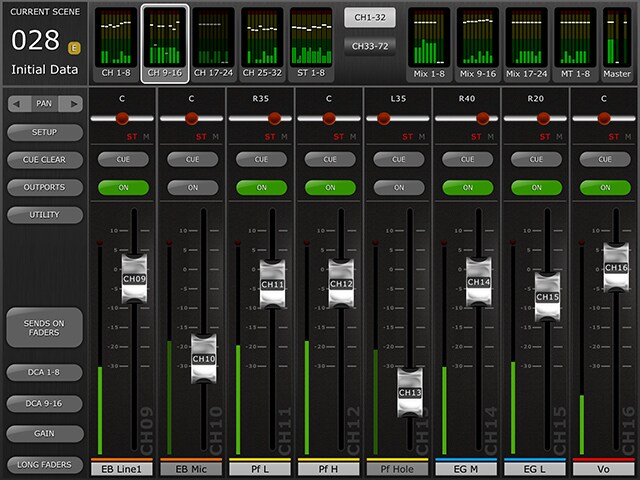
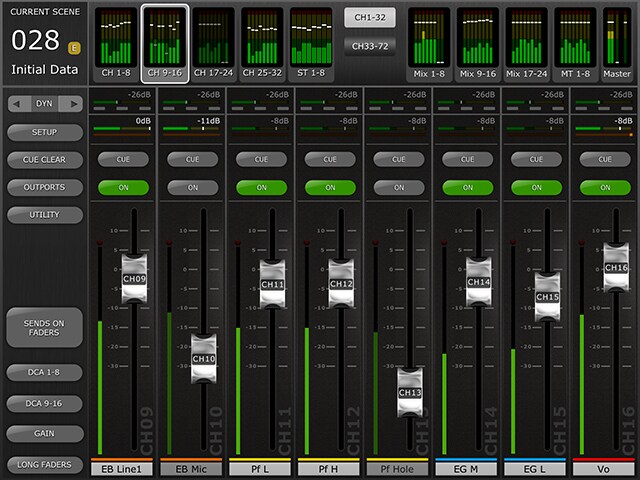
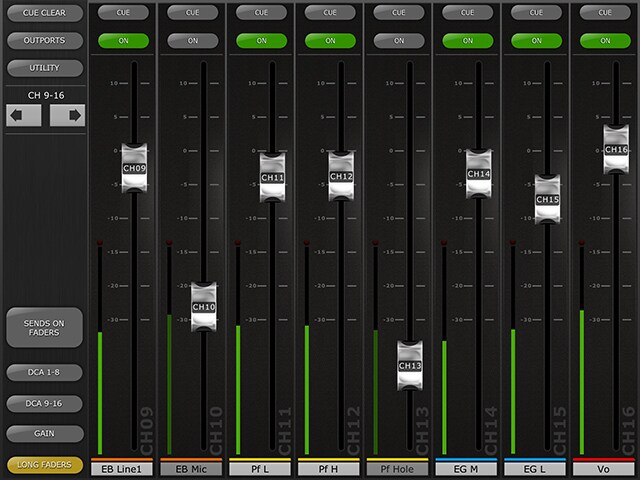
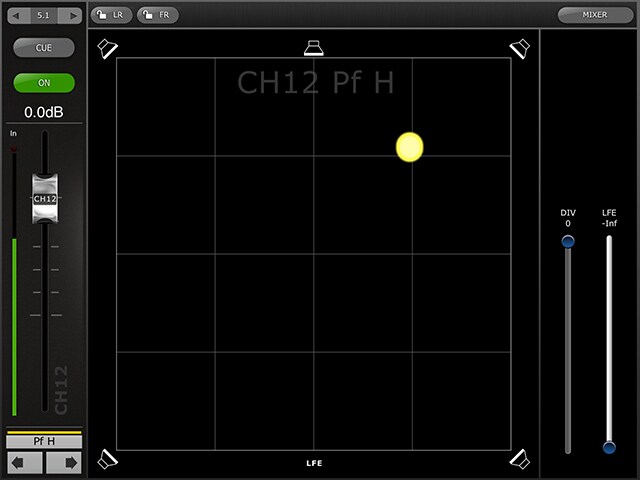
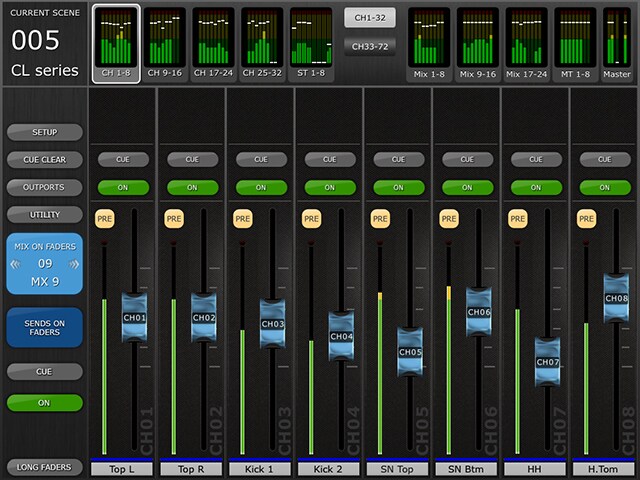
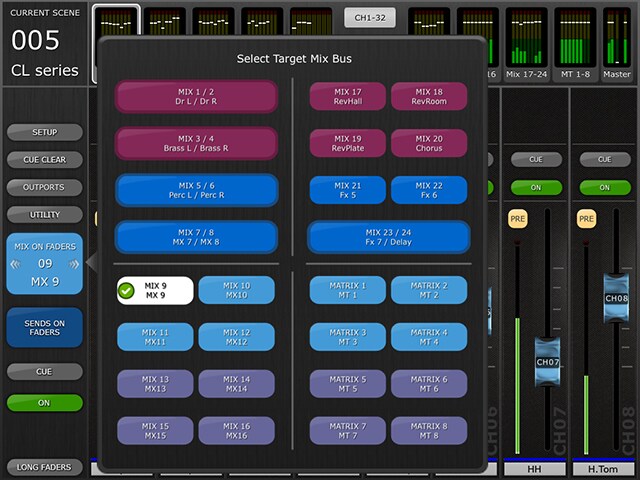
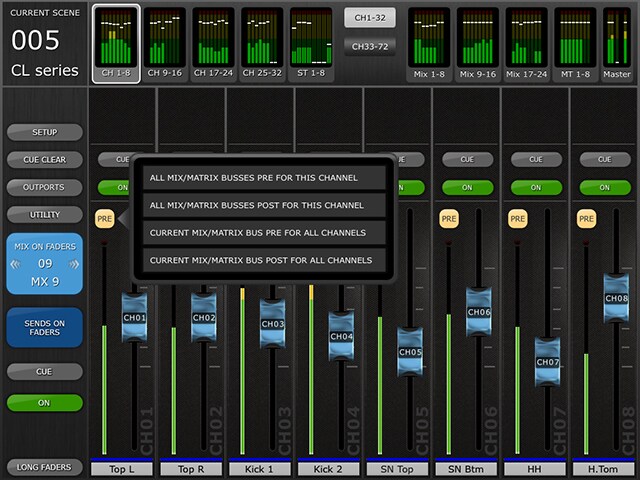
CL StageMix provides remote control of CL series functions via a simple, intuitive graphical interface from anywhere within wireless range. The software has been specifically designed to allow engineers to adjust monitor mixes from the performers' positions on stage, directly controlling mix parameters via the iPad rather than having to rely on verbal directions to a second engineer.
The result is better mixes in less time: a huge advantage during high-pressure pre-show setup. StageMix does not provide remote control of all CL series parameters, but is focused on the requirements for adjusting monitor mixes on stage.
Price : Free
Please visit App Store from the following link for details on OS and device requirements.
Yamaha CL series digital mixing console firmware V4.0 or later
Wi-Fi access point (preferably with 802.11n or 802.11ac, 5GHz capability, though 2.4GHz and 802.11g will also work)
CAT5 cable (to connect the console to a Wi-Fi access point)

* Please read privacy policy carefully before downloading and installing the StageMix.
* Apple, iPhone, iPod touch and iPad are trademarks of Apple Inc. registered in the U.S. and other countries. App Store is a service mark of Apple. Inc.
Features
The Best Listening Position is the Best Control Position
In many cases the console position is not the optimum place to be when mixing for live sound. In fact, space and other restrictions sometimes mean that the console ends up in the worst possible spot for listening and mixing.
Mixer (Main Window)
Sends On Fader
PEQ / GEQ
Dynamics
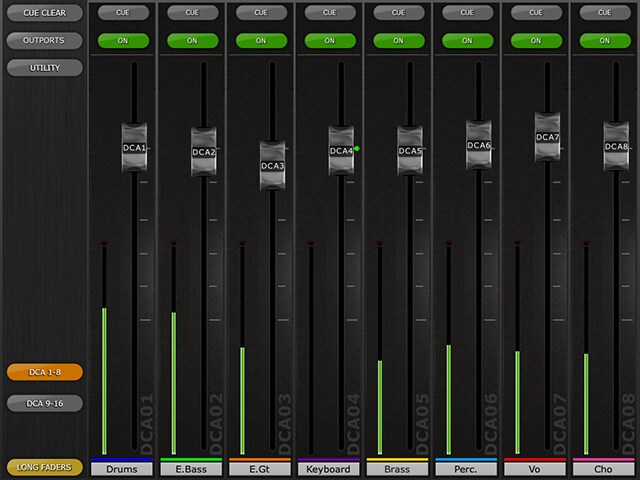
Gain / DCA
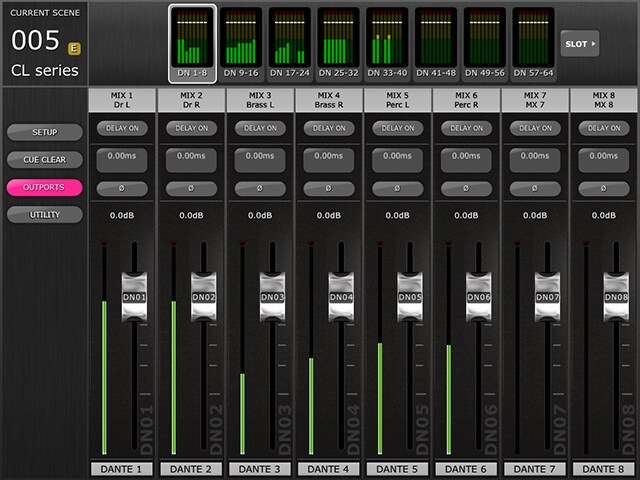
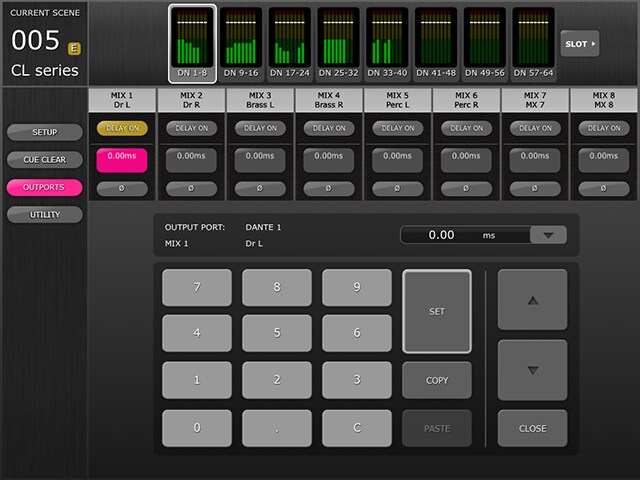
Outports
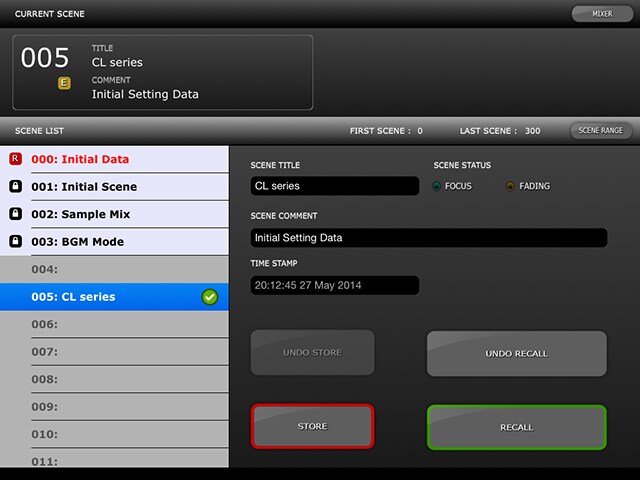
Scene Memory / Utility / Setup
Related Information
Related Products
Case Studies
News


* Specifications are subject to change without notice. The colors and finishes shown may vary from those on the actual products.
